🦊+⚡=🦸 Firefox Extensions to Make Browsing Smooooth
Work it, make it, Harder, Better, Faster, Stronger
Firefox is already one of the most privacy-respecting and customizable browsers out there … sort of… another post for another day…


Work it, make it, Harder, Better, Faster, Stronger
Firefox is already one of the most privacy-respecting and customizable browsers out there … sort of… another post for another day…
A picture is worth a thousand words.
Then this is complete crap.
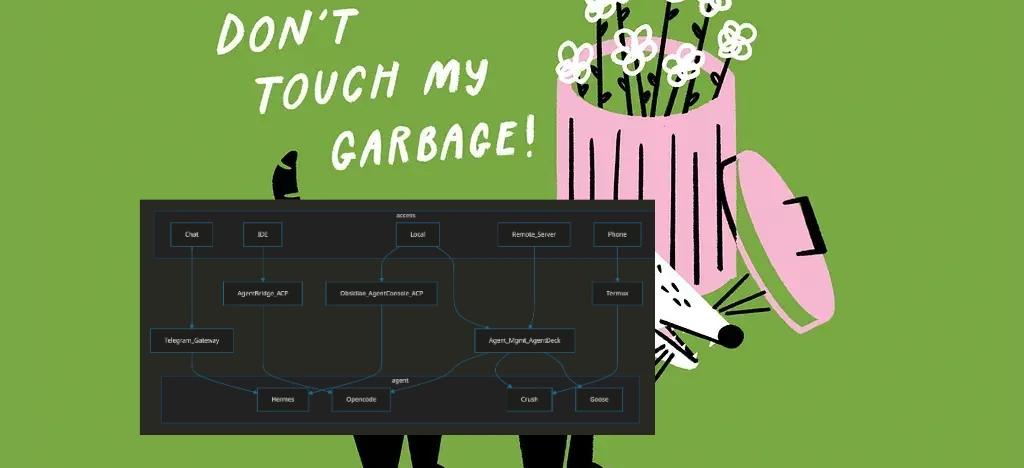
flowchart LR

subgraph access
Chat
Jetbrains
Local
Remote_Server
Phone
VSCode
Cherry_Studio
end

Agent_Mgmt_AgentDeck --> Opencode & Crush & Goose
Jetbrains --> AgentBridge_ACP --> Opencode
Chat --> Telegram_Gateway --> Hermes
Local --> Agent_Mgmt_AgentDeck
Local -->  Obsidian_AgentConsole_ACP  ---> Hermes
VSCode --> ACP_Client --> Opencode & Goose
Phone --> Termux --> Crush

Remote_Server --> Agent_Mgmt_AgentDeck
Remote_Server --> KanDev --> OpenCode
Remote_Server --> CodeNomad --> OpenCode
Remote_Server --> Minions --> Hermes

subgraph agent
Goose
Opencode
Crush
Hermes
end
flowchart LR
Github_Copilot --> work
OpenRouter --> home

subgraph work
github-copilot/gpt-5.6-luna
github-copilot/claude-haiku-4.5
end
subgraph home
openrouter/deepseek/deepseek-v4-flash-0731
opencode/big-pickle
end
| Repository | Stars | License | Activity |
|---|---|---|---|
| kandev |  |
 |
 |
| agentbridge |  |
 |
 |
| agent-deck |  |
 |
 |
| obsidian-agent-console |  |
 |
 |
| minions |  |
 |
 |
| goose |  |
 |
 |
| crush |  |
 |
 |
| opencode |  |
 |
 |
| hermes-agent |  |
 |
 |

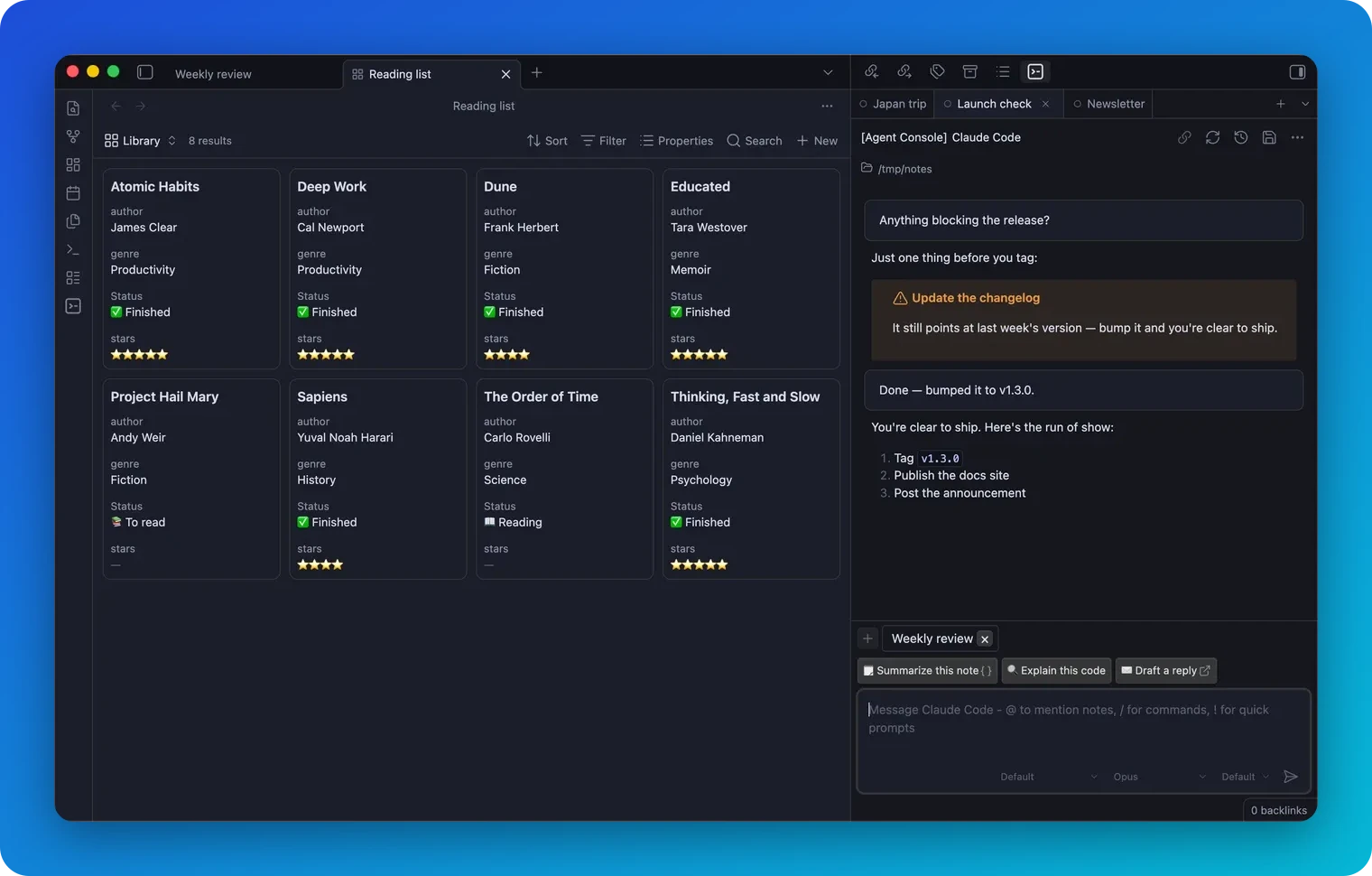
So quick hot take on some Obsidian plugins relating to AI:
For the longest time, I leaned hard on the Copilot extension for when I needed to do things like quick note summaries for time tracking and Slack, but as of late, I’ve started using a few different agents inside my vault via ACP (Agent Control Protocol).
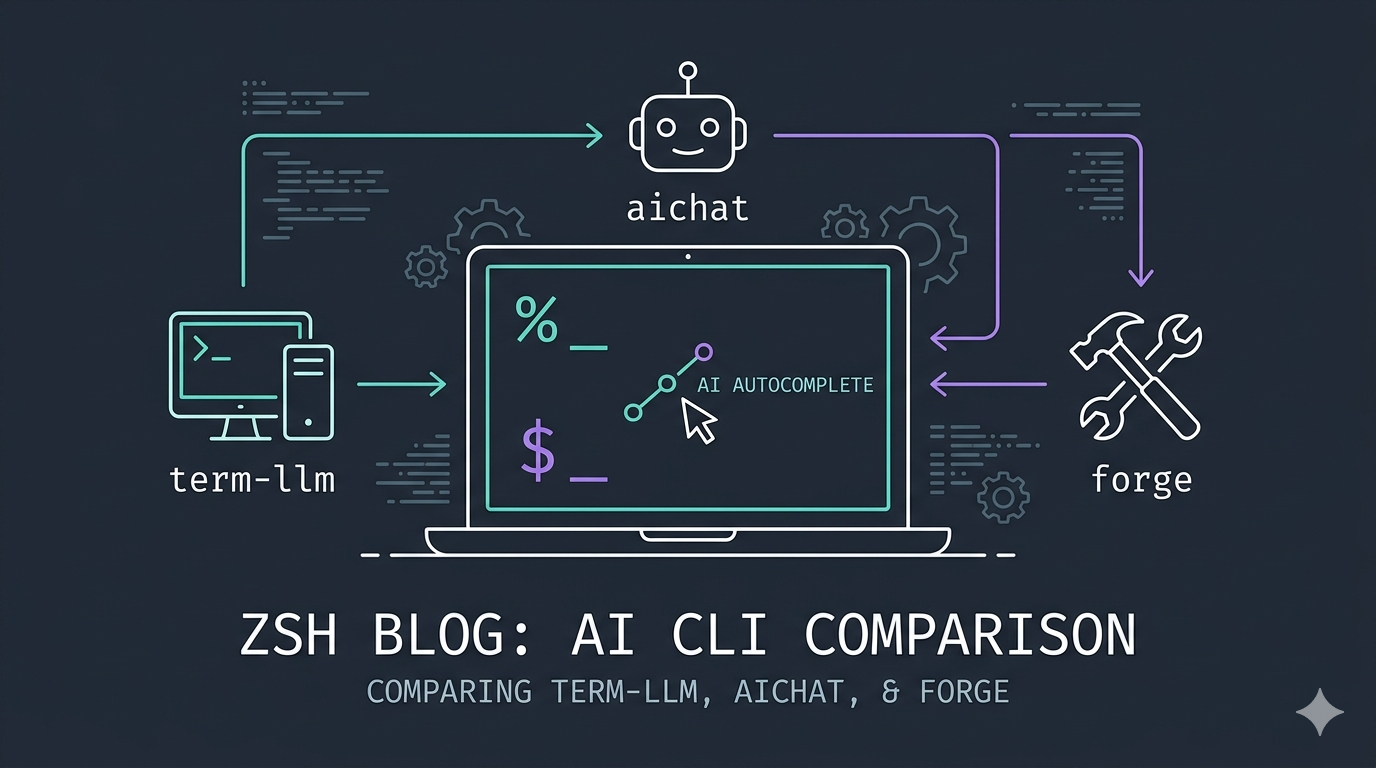
So I’ve been using AI Chat for a VERY long time for autocomplete, but I’ve taken a real liking to 💻 term-llm as of late, due to the amount of terminal-specific options, vs 🤖 aichat which always had felt like a “do anything, and do it, okay” tool (I started with aichat for reference).
The AI tooling landscape has exploded recently, and it can be overwhelming to sift through the noise. This review covers some tools I’ve found genuinely handy. There’s also a really nice PDF report I’ve attached below, worth a read if you have the time.