
reviews ai cli utils
reviews
Term-LLM vs AiChat vs Forge ... Oh MY!
Intro
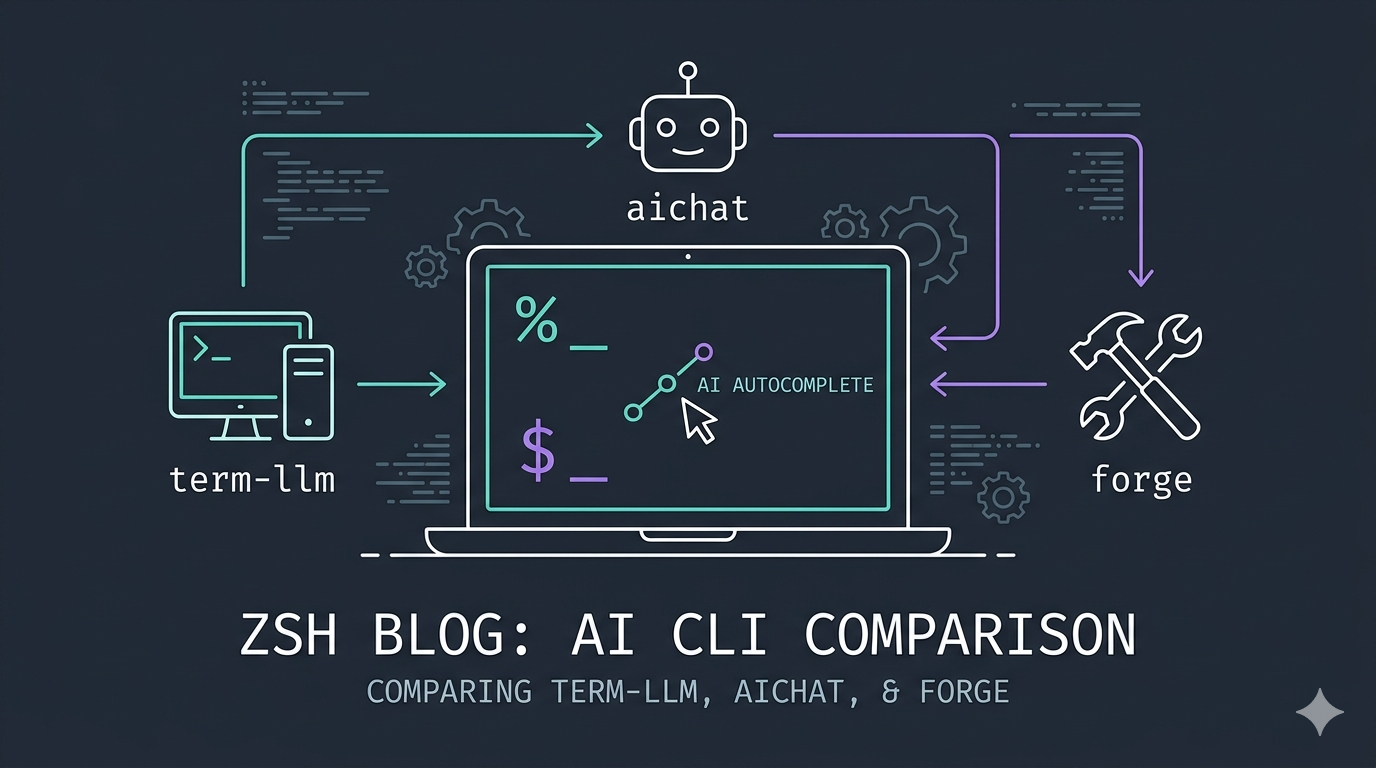
So I’ve been using AI Chat for a VERY long time for autocomplete, but I’ve taken a real liking to 💻 term-llm as of late, due to the amount of terminal-specific options, vs 🤖 aichat which always had felt like a “do anything, and do it, okay” tool (I started with aichat for reference).
The biggest issue is that I’ve always wanted just a little more flexibility and options out of it. So over the last week or two, I’ve started comparing them, along with 🛠️ forge (at the recommendation of a friend). I’m including it (forge) here as well, even though it ALSO functions as a full-on ZSH-homed AI agent. Really, you should check it out, outside of the need for terminal autocomplete.
The big driving force behind this post and related research is that I have a strong distaste for closed-source options and baked-in shell AI… I’m looking at you, Warp.
HA! … I stand corrected. … https://www.warp.dev/blog/warp-is-now-open-source
Edit
… Oh wow, I forgot about Fabric… that thing is REAL MVP G.L.U.E. 🖌️
Smaller agents?
Yes, I know you can also use agents like OpenCode and Crush, but both tend to load way too much overhead to be usable in this context. Maybe something like 🐦⬛ crow-cli or 🥧 pi might fit better, but I’ve relegated those two to just toying around with on my phone (still very neato tho!). You could also override OpenCode and Crush with minimal configs, but with minimal agents like Pi and Crow, why bother? Just keep separate tools for separate jobs. And don’t get me started where 🪿 goose would even fit in… that thing is so strange… it HONKS for Christ’s sake, and its TUI reads like a SimCity 2000 loading screen 🤣. TBH the whole “batteries included” approach it has is refreshing, in stark contrast to Pi’s absolute minimalism.
Caveat While I know the provider you pick will have one of the biggest influences on the results you get out, if you do have decent system prompts, you should get the results you would expect.
Links
CLI Native



Smaller agents



Config Examples
Anyway 🙄, I still prefer to be able to use whatever app I like when it comes to something like shell autocomplete.
Without further ado, here are some working snippets you should feel free to test out; YMMV. Check what it spits out before you hit ENTER a second time 🫠.
TermLLM
New hotness, testing going well!
_term_llm_zsh() {
    if [[ -n "$BUFFER" ]]; then
        local msg=$BUFFER
        zle -I && zle redisplay
        PROMPT="Be concise. Output only the text needed for a POSIX compatible shell, must work with Bash / ZSH. Only output the command, PLAIN TEXT ONLY."
        BUFFER=$(term-llm ask "$msg" --fast --porcelain --native-search --system-message "$PROMPT")
        zle end-of-line
    fi
}
zle -N _term_llm_zsh
bindkey "^ " _term_llm_zsh # Ctrl+SPACE
AI Chat
Just works…
_aichat_zsh() {
    if [[ -n "$BUFFER" ]]; then
        local _old=$BUFFER
        BUFFER+="⌛"
        zle -I && zle redisplay
        BUFFER=$(aichat -e "$_old")
        zle end-of-line
    fi
}
zle -N _aichat_zsh
bindkey "^x" _aichat_zsh # Ctrl+x
ForgeCode
You may want to just use their native : QUERY_HERE, based shell injection?
_forge_zsh() {
    if [[ -n "$BUFFER" ]]; then
        local _old=$BUFFER
        zle -I && zle redisplay
        local result=$(forge suggest "$_old")
        BUFFER=$result
        zle reset-prompt
        zle end-of-line
    fi
}
zle -N _forge_zsh
bindkey "^f" _forge_zsh # Ctrl+f
Crush
Kinda working?
_crush_zsh() {
    if [[ -n "$BUFFER" ]]; then
        local msg=$BUFFER
        zle -I && zle redisplay
        PROMPT="Be concise. Output only the text needed for a POSIX compatible shell, must work with Bash / ZSH. Only output the command, PLAIN TEXT ONLY."
        BUFFER=$(crush run --quiet "$PROMPT $msg" --small-model 'copilot-proxy/gpt-4o')
        zle end-of-line
    fi
}
zle -N _crush_zsh
bindkey "^q" _crush_zsh
BONUS: Fabric
https://github.com/danielmiessler/Fabric
_fabric_zsh() {
    if [[ -n "$BUFFER" ]]; then
        local msg=$BUFFER
        zle -I && zle redisplay
        PROMPT="Be concise. Output ONLY the PLAIN TEXT command needed for a ZSH shell."
        BUFFER=$(fabric --pattern create_command "$PROMPT - $msg")
        zle end-of-line
    fi
}
zle -N _fabric_zsh
bindkey "^ " _fabric_zsh
Tool breakdown (thanks Gemini…?)
These three tools are all terminal-based AI interfaces, but they target different workflows: ForgeCode is an autonomous coding agent, AIChat is a multi-model shell utility, and term-llm is a terminal-first runtime for agents and tools.
High-Level Comparison
| Feature | ForgeCode | AIChat | term-llm |
|---|---|---|---|
| Primary Focus | Autonomous coding / RAG | General chat / Shell assistant | Tool-centric runtime / MCP |
| Language | Rust | Rust | Go |
| Agentic Power | High (Multi-agent roles) | Moderate (Roles/Tools) | High (MCP/Skills/Jobs) |
| Model Support | Hosted (Claude/GPT/Gemini) | Hosted + Local (Ollama/Groq) | Hosted + Local (Zen/MCP) |
| Best For | Large codebase refactoring | Daily shell tasks & quick chat | Building custom AI workflows |
ForgeCode (forgecode.dev)
ForgeCode is designed as a high-performance alternative to tools like Aider or Claude Code. It focuses on deep codebase integration and autonomous execution.
-
Workflow: Uses specialized agents:
-
muse: Planning and impact analysis. -
forge: Implementation (modifies files, runs tests). -
sage: Internal research agent for codebase navigation. -
Strengths:
-
Native Zsh plugin for seamless shell integration.
-
High accuracy on terminal-based benchmarks.
-
Maintains conversation context when switching between LLMs (e.g., GPT-4 to Claude).
-
Infrastructure: Distributed as a Rust binary; very low latency in terminal interactions.
AIChat (sigoden/aichat)
AIChat is an all-in-one utility meant to be the “Swiss Army knife” for LLM interactions in the terminal. It is less about “agents” and more about “versatility.”
-
Workflow: Centered around a robust Chat-REPL and shell expansion (
-eto explain/run commands). -
Strengths:
-
Extensive provider support (OpenAI, Claude, Gemini, Ollama, Groq, Mistral, etc.).
-
Role-based prompting: Define custom system prompts for specific tasks (e.g., code reviewer, translator).
-
Lightweight RAG: Can index local documents for context-aware chatting.
-
Infrastructure: Single Rust binary; highly portable with a simple
config.yaml.
term-llm (samSaffron/term-llm)
term-llm functions as a runtime for AI workflows rather than just a chat interface. It emphasizes the Model Context Protocol (MCP) and persistent sessions.
-
Workflow: Executing “Jobs” and “Skills” via natural language. It can manage background tasks and complex tool-use sequences.
-
Strengths:
-
MCP First: Deep integration with MCP servers to fetch data or control local systems.
-
Widgets: Support for local web-based widgets that can be served directly from the terminal UI.
-
Zen Provider: Offers a “no-key” quickstart option for immediate use.
-
Infrastructure: Built in Go; supports Unix domain sockets for widget communication and local automation.
Key Differentiators
- Codebase Management: Use ForgeCode if the goal is to have an agent read a thousand files and implement a complex feature across multiple directories.
- Shell Integration: Use AIChat for day-to-day command-line assistance, such as “How do I grep for this pattern?” or “Summarize this log file.”
- Extensibility & MCP: Use term-llm if you want to build a customized environment where the AI can interact with your local databases, APIs, or custom MCP servers.
All three tools are compatible with Linux environments (Ubuntu/Debian) and work well within multiplexers like Zellij or screen/tmux sessions due to their CLI-first architectures.
Reply:
Mastodon Bluesky Email
This article is a part of the series "reviews".
Other articles in the series:
- Review - Superfile (Created by yorukot) 1 min read
- Review - LazyGit (created by jesseduffield) 2 min read
- Review - GDU (Created by dundee) 2 min read
- Review - Doggo (Created by mr-karan) 1 min read
- Review - AI Tooling 3 min read
- Review - Heynote (Created by Jonatan Heyman) 2 min read
- How to setup ZSH LLM Autocomplete 6 min read